Make Your Own Babydoll Dance AI Video
Turn a full-body photo into a buoyant two-step performance inspired by the Babydoll dance trend. Add your photos and create a vertical video.
Includes AI-generated original sound. The original trend song is not included. From $4.99/video in the 10-video pack ($49.90 one-time). Single video pack is $9.90.
Upload your photo& generate
Use a clear, well-lit photo of one adult with the face unobstructed. Full-body or waist-up framing works best.
Output
~15s · 9:16 · 720p MP4
Audio
Includes AI-generated original sound. The original trend song is not included.
Credit cost
1 credit · auto-returned if failed
Private by default · Auto credit refund on technical failure
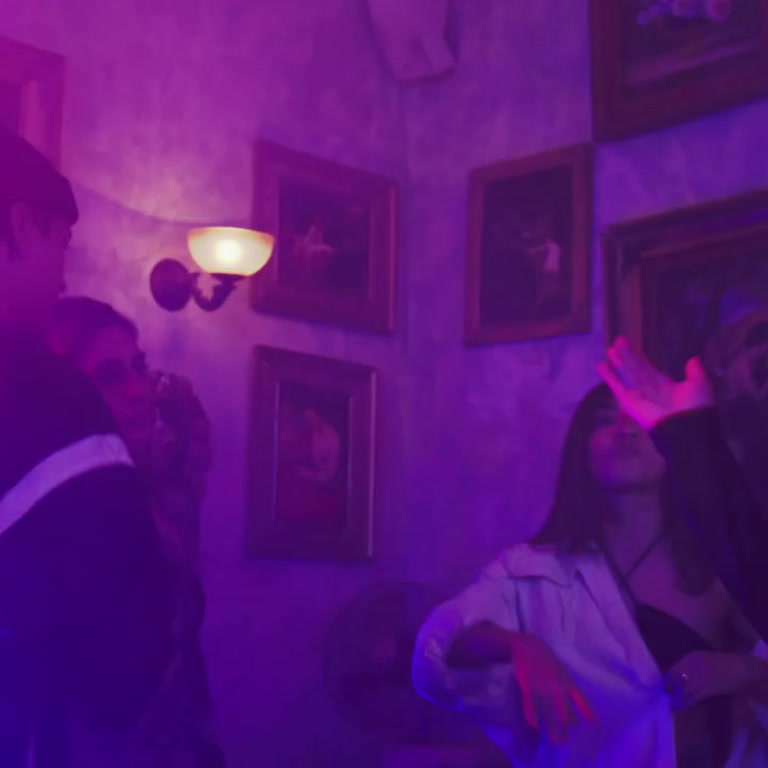
Input photo → AI-generated video
Babydoll Dance vertical 9:16 example (15s).
Shot-by-Shot Breakdown
What happens second by second
Opening bounce & smile
Full-body vertical frame
Your subject stands in a bright, stylishly lit space and kicks off an energetic, buoyant two-step groove.
Synchronized arm swings & footwork
Steady centered shot
Rhythmic side steps, playful wrist turns, and balanced shoulder pops flow continuously across the full body.
Playful spin & final pose
Clean steady finish
The routine wraps on a sharp, upbeat pose with natural hair and fabric movement.
Photo Quality Guide
How to choose photos for the cleanest AI result
What works best
Follow these for sharp identity match
- Full-body standing photo of one adult with clear face, arms, and legs.
- Bright, even lighting with a clean background behind you.
- Comfortable casual or dancewear outfits animate most smoothly.
What to avoid
Common issues that reduce video quality
- Seated photos or waist-up crops where legs aren't visible.
- Baggy capes or props obscuring hands and arms.
- Group shots or heavy motion blur.
Full Transparency
What's customized vs. what stays fixed
- Your subject's face, hair, proportions, and full-body outfit
- Smooth natural fabric and hair bounce during the two-step
- Consistent identity across all 15 seconds
- Buoyant two-step choreography and rhythmic pacing
- 15-second continuous vertical 9:16 720p shot
- Original upbeat AI pop/dance instrumental
AI video generation naturally varies slightly from run to run depending on lighting, pose, and angle. If a generation fails technically before producing a valid MP4, your reserved credit is automatically returned to your balance.
Three Steps
How it works
Add your photo
Upload 1 clear photo matching the role labels. JPG, PNG, or WebP up to 10 MB.
Create the scene
Confirm permission and use 1 video credit to start. You can leave the page and track progress in My Videos.
Watch, download & share
Preview your 720p 9:16 MP4, download it privately, and add a permitted sound inside TikTok or YouTube Shorts.
Ready To Post
TikTok & YouTube Shorts posting guide
Centered full-body framing ensures head-to-shoe visibility on both TikTok and YouTube Shorts.
Original AI instrumental is included. Add a permitted trending dance track inside TikTok or Shorts if desired.
Try a quick 'Tried the Babydoll two-step with just one photo' caption.
One-Time Video Packs
Pay once, no subscription required
Each completed video uses 1 credit. Failed generations return your reserved credit automatically. Refund policy
One-time pack
1 video
$9.90
$9.90 each · No subscription
One-time pack
3 videos
$19.90
About $6.63 each · No subscription
One-time pack
10 videos
$49.90
$4.99 each · No subscription
What is the Babydoll Dance AI trend?
Turn a full-body photo into a buoyant two-step performance inspired by the Babydoll dance trend.
This page creates a new AI interpretation from your photo.
The generated scene, appearance and timing can differ between results.
Babydoll Dance clips stand out for their lighthearted, bouncy footwork and clean full-body rhythm.
Using a clear full-body photo gives the AI clear anatomical reference for natural hands, feet, and balance.
Common Questions
Frequently asked questions
What is the Babydoll Dance AI video?
What should I upload?
Will my result match the reference exactly?
Does it include the original trending song?
How much does it cost?
What happens if generation fails?
Can I use someone else's image?
More trend videos
View all 12 templates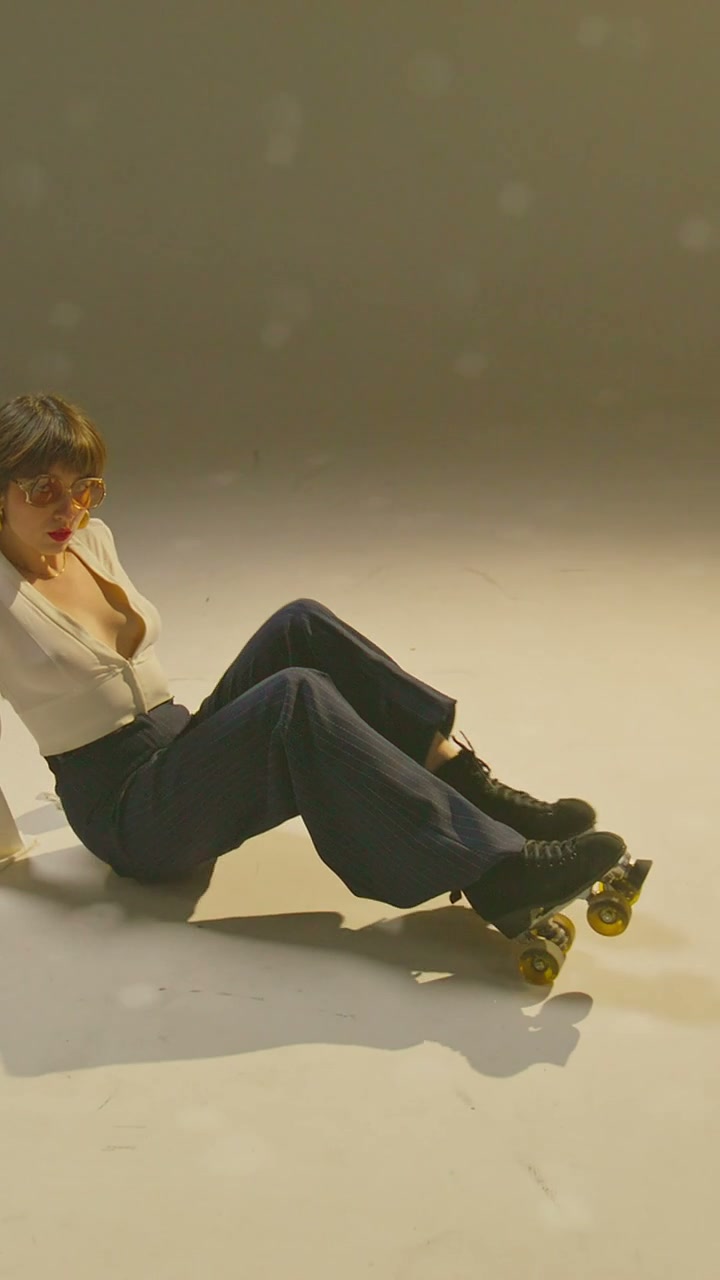
Tecktonik Dance
Make a Tecktonik-inspired dance video from one photo. See the effect, check pricing, and create a vertical clip for TikTok and YouTube Shorts.
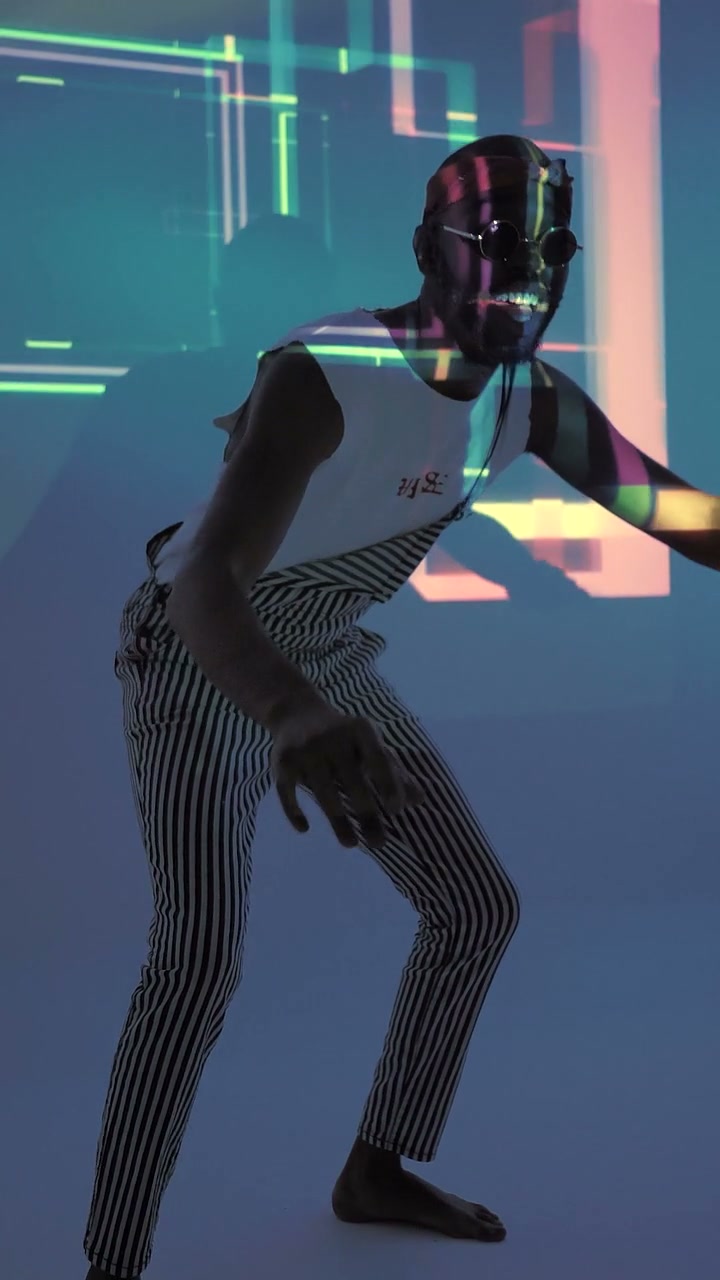
Rumpelstiltskin Dance
Put yourself into a quirky fairy-tale scene with a hush gesture and a mischievous tiptoe dance. Add your photos and create a vertical video.
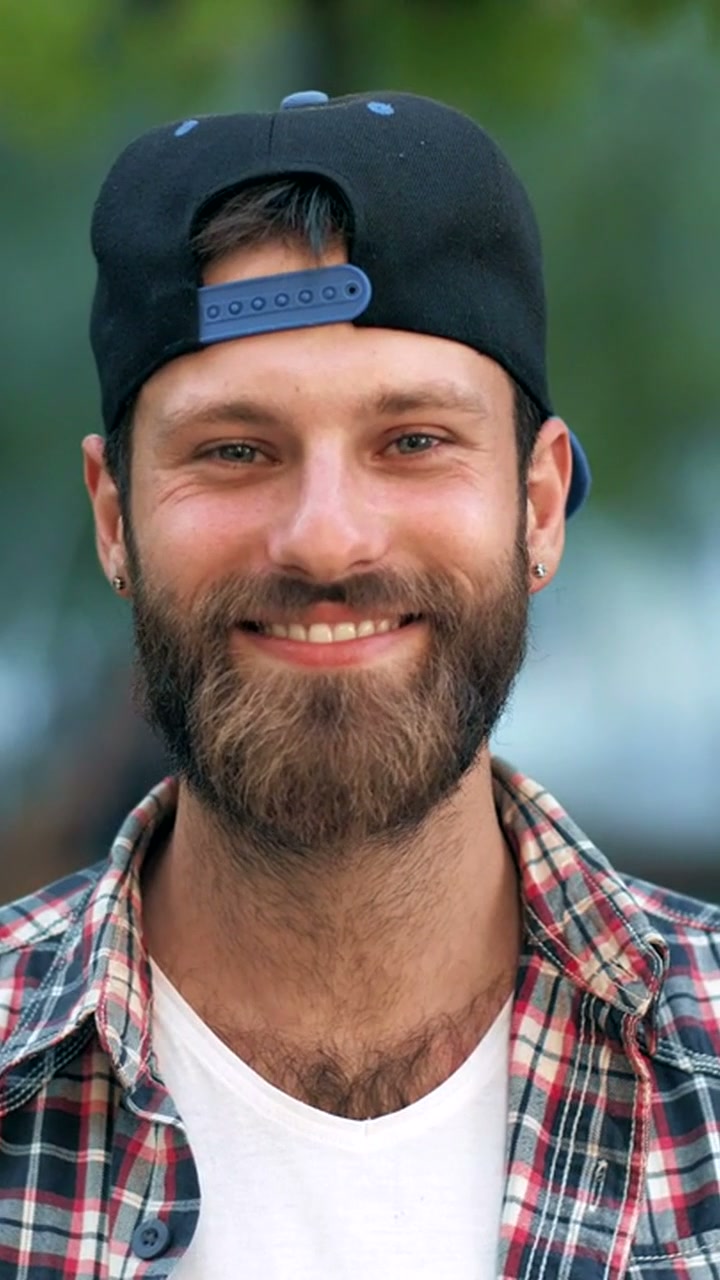
Bby Wow Guy
Bring your photo into a playful party scene with a dance, a pastry and a memorable look at the camera. Add your photos and create a vertical video.
Bad Times Trend
Turn a photo into a playful, expressive argument-to-camera dance inspired by the Bad Times trend. Add your photos and create a vertical video.
Ready to create your Babydoll Dance video?
Upload your photo, preview your private 720p MP4, and post directly to TikTok or YouTube Shorts.
Create your video